MM logo white 1
MM logo red
Image description is not available

The best monitors for working from home in 2026

Daan11 JANUARY 2026
A person at a desk attends a video conference on a computer, with a lamp and sofa in the background.

When you work from home a lot, you need a good monitor. Or perhaps even multiple monitors, so that you can work across several screens at the same time. In this article, you’ll find the best business monitors from MediaMarkt that allow you to work professionally, quickly and ergonomically from home.

What is the best monitor for working from home?

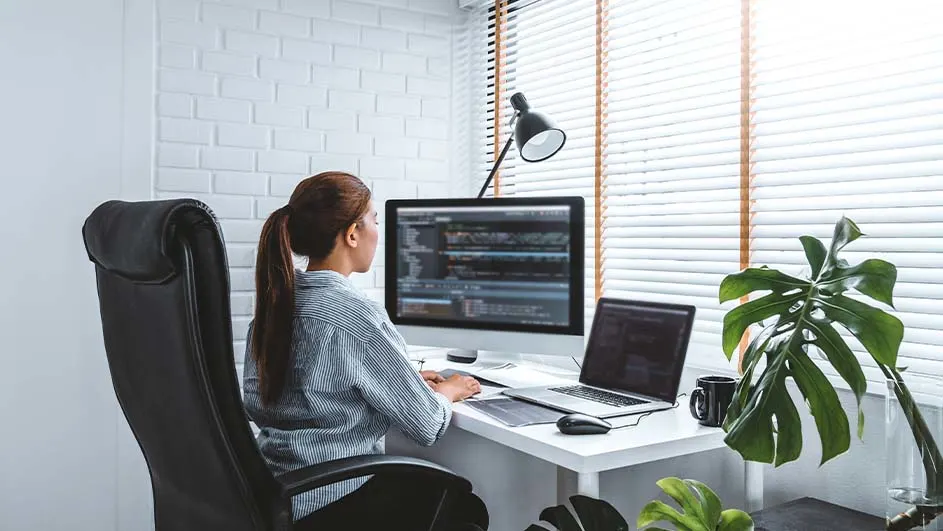
Person at a desk with computer, laptop, and lamp. White brick wall and window blinds behind. Plants nearby.

Which monitor suits your home office best largely depends on your preferences and situation. The type of work you do on a business desktop largely determines what’s best for you. If you mainly work in Office programmes, for example, you’ll need a monitor with a different resolution than when you often use large, graphic tools. In addition, the size of your desk and your home workspace play a role in which monitor size is most suitable for you.

The best monitors

The right screen size for your desk and viewing distance

A person in glasses sits at a desk with a laptop and monitor displaying code, a keyboard, and a mug.

The size of your monitor is crucial. A screen that is too small can be tiring for your eyes, while a screen that is too large can overwhelm your workspace. In addition, the space on your desk plays a major role in determining the ideal size of your monitor. On a small desk, we recommend a monitor of up to 27 inches. On a larger desk, you can opt for a bigger size or an ultrawide monitor. It’s also always possible to connect multiple monitors to each other. This way, you can easily work on several screens side by side. Handy if, for example, you are watching an instruction video while taking notes in a Word file on your other screen.

How to choose an ultrawide monitor

Which screen resolution do you need?

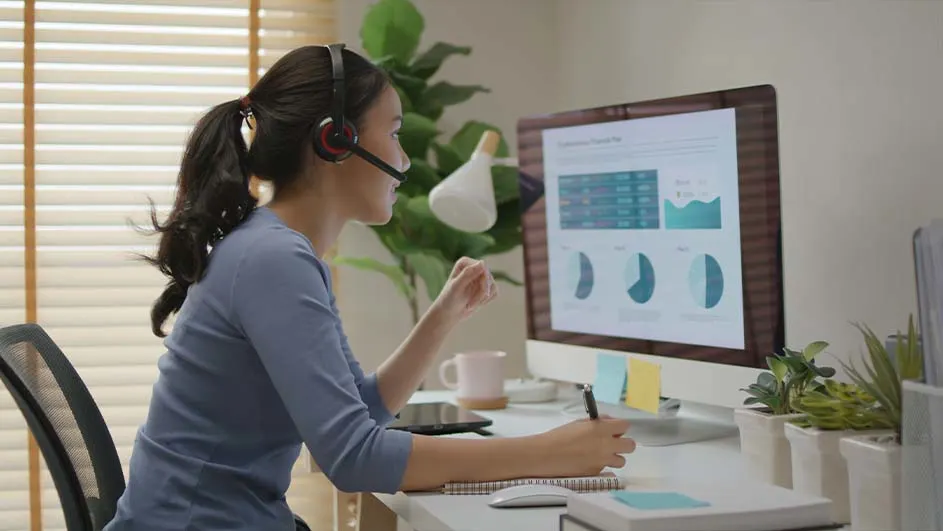
A person with a headset works at a computer, reviewing charts and graphs. They're writing in a notebook on a white desk, near plants.

The resolution determines how sharp your image is. This is all about the number of pixels. Pixels are tiny dots on the screen that together form the image on your display. The more pixels, the sharper the image. For everyday office use, Full HD (1,920 x 1,080 pixels) is more than sufficient. Do you often work with programmes such as Adobe Photoshop or InDesign? Then a monitor with at least QHD resolution (2,560 x 1,440 pixels) is suitable for you. If your work involves very demanding graphic programmes or if you’d also like to use the monitor as a gaming monitor after work, we recommend a monitor with 4K resolution (3,840 x 2,160 pixels). We are happy to help you get started with tips and advice on how to choose the right 4K monitor.

The best monitors for photo and video editing

Create an ergonomic workspace

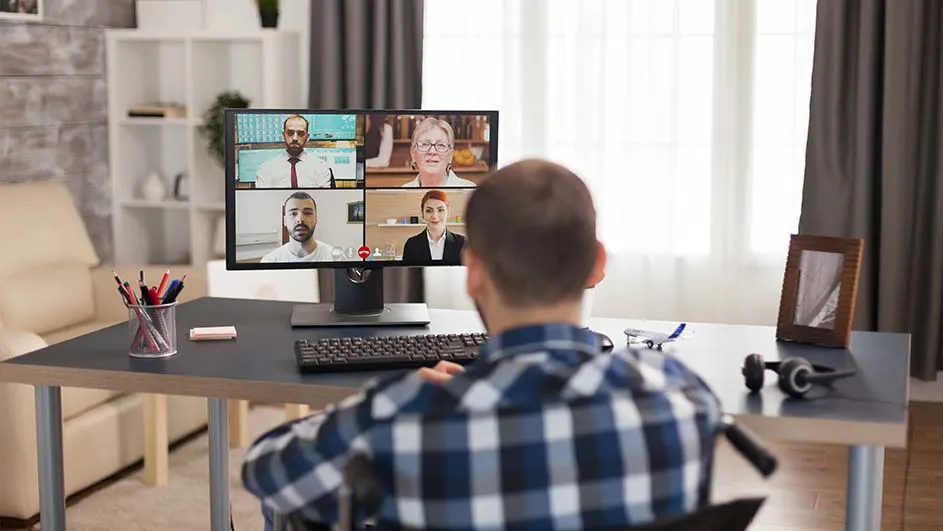
Person in a blue plaid shirt at a desk with a computer. The screen shows four people video conferencing. There's a keyboard, pens, and headphones.

An ergonomic workspace is important, both at the office and at home. Make sure your monitor therefore fits into your ergonomic home workspace. Place your monitor at eye level, with the screen at arm’s length. Make sure you are sitting directly in front of the screen and that your neck and back are relaxed. An adjustable monitor stand can really help with this. Some displays can also be rotated and tilted, which greatly contributes to an ergonomic way of working.

Essentials for the ultimate working-from-home day

Which connection do you need for your laptop?

Your new monitor must, of course, match your laptop or PC. Check how many and which connections a monitor has. To connect the latest laptops, for example, you’ll need a USB-C connection. The same applies if you want to connect an Apple MacBook to a monitor. So, check whether the monitor has the right inputs. If a device cannot be connected directly to the monitor, you can always use a docking station or adapter. Choose a suitable monitor to and check which monitor connections you need and what else to look out for when you want to buy the best monitor for yourself.

These articles might be interesting for you